CCB Computer Course – Certificate in Computer Basics
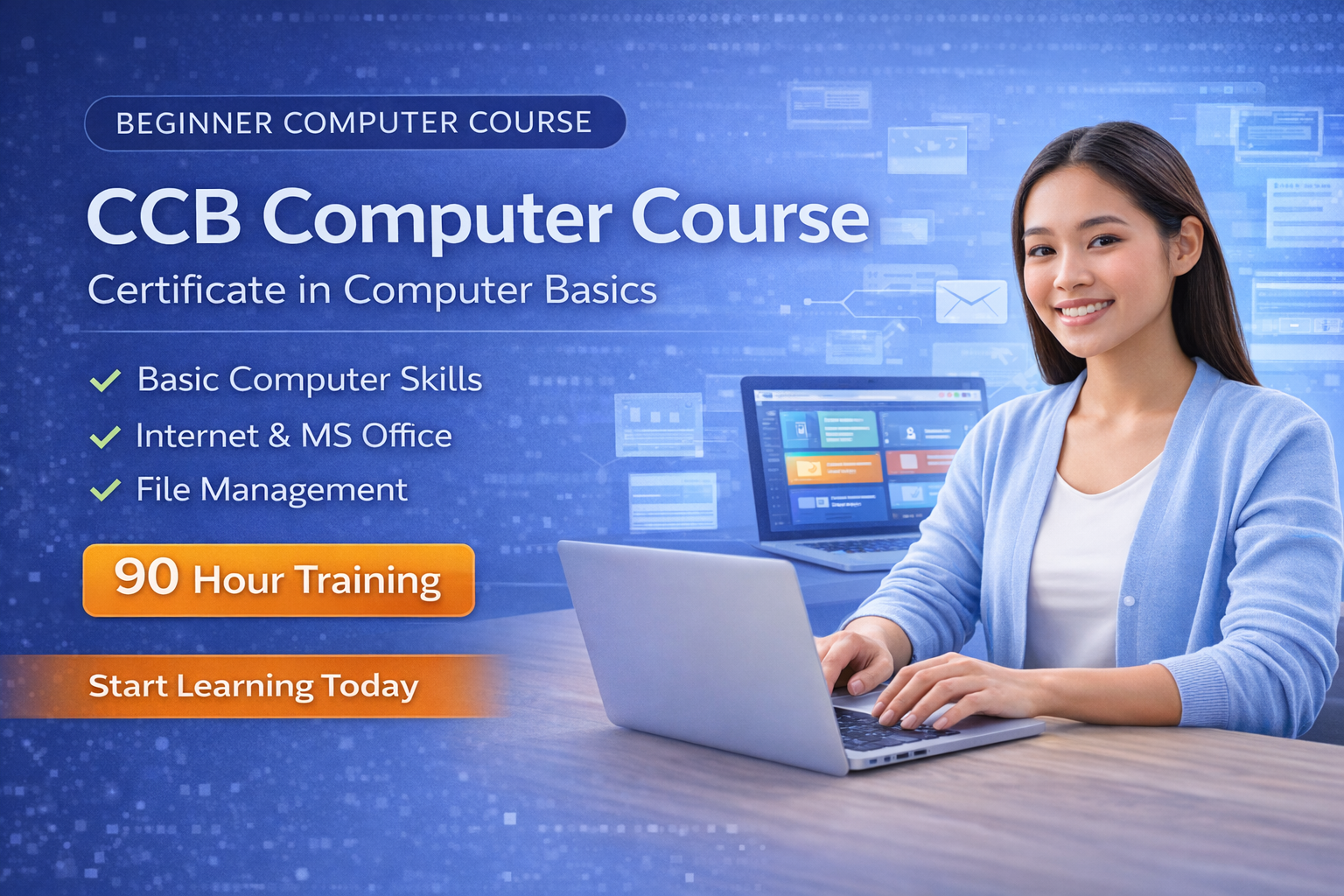
The CCB Computer Course (Certificate in Computer Basics) is a beginner-friendly training program designed to help students develop essential computer skills required in today’s digital environment.
In the modern digital world, basic computer knowledge is important for students, job seekers, and professionals who want to improve their productivity and communication skills. The CCB course provides practical computer training that helps learners understand the fundamentals of computers and use commonly used office applications effectively.
This 90-hour CCB computer course focuses on essential computer skills such as document creation, spreadsheet management, presentation design, and digital communication tools.
By completing this course, students will gain confidence in using computers for academic work, office tasks, and everyday digital activities.
What You Will Learn in the CCB Computer Course
This course is designed to build a strong foundation in computer basics and office applications. Students will learn practical skills that help them operate computers efficiently.
Key skills covered in this course include:
• Understanding basic computer concepts
• Learning operating system basics and file management
• Creating documents using MS Word
• Working with spreadsheets and calculations in MS Excel
• Designing presentations using MS PowerPoint
• Understanding internet basics and digital communication
• Improving digital productivity for daily tasks
These skills are highly useful for students, office learners, and beginners entering the digital world.
CCB Computer Course Curriculum
The CCB computer course follows a structured curriculum designed to provide essential computer training.
Module 1 – Computer Fundamentals
Introduction to computers, hardware, software, and basic computer operations.
Module 2 – Microsoft Word
Creating documents, formatting text, working with tables, and preparing professional documents.
Module 3 – Microsoft Excel
Understanding spreadsheets, data entry, basic formulas, and tables.
Module 4 – Microsoft PowerPoint
Designing presentations, slide layouts, visual elements, and presentation delivery.
This curriculum ensures students develop basic computer skills needed for everyday computer usage.
Who Should Join the CCB Computer Course
The CCB course is ideal for individuals who want to start learning computers from the basics.
This course is suitable for:
• Students learning computer basics
• Beginners with little or no computer knowledge
• Individuals preparing for office work
• Professionals who want to improve basic computer skills
• Anyone interested in learning computer applications
No prior computer knowledge is required to join this course.
Benefits of Learning CCB Computer Course
Completing the CCB computer course provides several advantages for beginners entering the digital world.
Some key benefits include:
• Strong foundation in computer basics
• Improved confidence in using computers
• Ability to create documents, spreadsheets, and presentations
• Better digital productivity for education and work
• Preparation for advanced computer courses such as CCC, DCA, and ADCA
Basic computer knowledge is now an essential skill for many professional and educational environments.
Why Choose Our Computer Training Institute
Our institute focuses on practical learning and real-world computer applications to ensure students gain useful skills.
Students choose our institute because we provide:
• Practical hands-on computer training
• Experienced instructors with industry knowledge
• Updated computer course curriculum
• Beginner-friendly learning environment
• Continuous student support and guidance
• Focus on real-world computer usage
Our goal is to help students build strong computer skills and become confident digital users.