CCC Computer Course – Learn Computer Skills for the Digital World
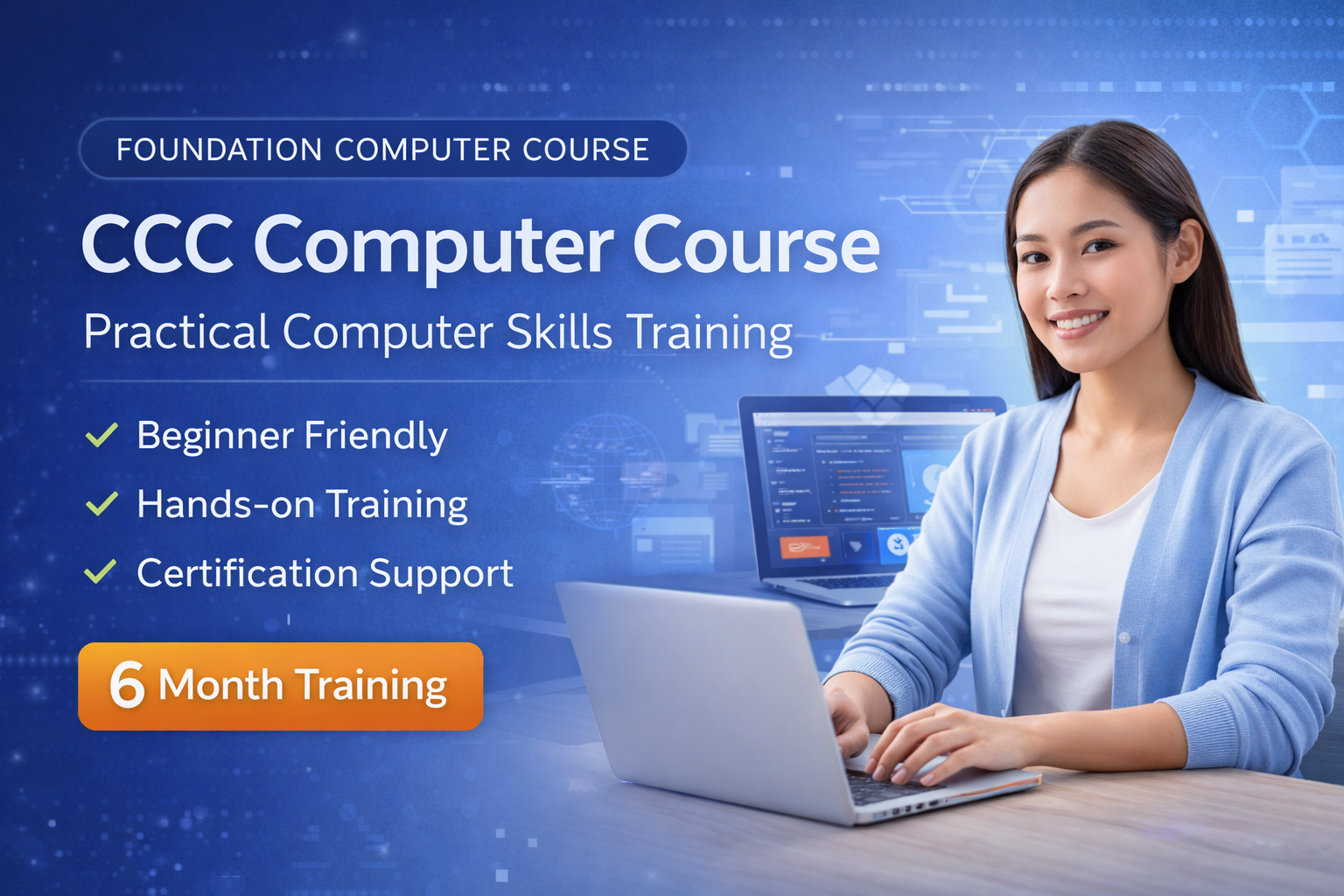
The CCC Computer Course (Course on Computer Concepts) is a beginner-friendly computer training program designed to help students learn the fundamental skills required to operate computers effectively in today’s digital environment.
In the modern world, basic computer knowledge has become essential for students, job seekers, professionals, and individuals who want to stay digitally connected. The CCC course provides practical computer training that helps learners understand how computers work and how to use commonly used software applications.
This 6-month CCC computer course focuses on real-world digital skills such as document creation, spreadsheet management, presentation design, internet usage, and digital communication.
By the end of the course, students will gain confidence in using computers for office work, educational purposes, and everyday digital tasks.
What You Will Learn in the CCC Computer Course
This course is designed to build strong foundational computer skills. Students will learn both theoretical concepts and practical computer applications.
Key skills covered in this course include:
- Understanding computer fundamentals
- Operating system basics and file management
- Creating professional documents using MS Word
- Managing spreadsheets and performing calculations with MS Excel
- Creating presentations using MS PowerPoint
- Using the internet and email communication
- Digital awareness and online safety
- Practical computer usage for office and academic work
These skills are highly valuable for both academic and professional environments.
CCC Computer Course Curriculum
The CCC computer course follows a structured curriculum designed to provide step-by-step computer learning.
Module 1 – Introduction to Computers
Understanding computer systems, hardware components, and software basics.
Module 2 – Operating System Basics
Learning how to operate a computer, manage files, and navigate the system.
Module 3 – Microsoft Word
Creating and formatting documents, reports, and professional letters.
Module 4 – Microsoft Excel
Working with spreadsheets, formulas, tables, and data calculations.
Module 5 – Microsoft PowerPoint
Designing presentations, adding animations, and presenting information visually.
Module 6 – Internet and Digital Awareness
Learning internet browsing, email communication, and online safety practices.
This curriculum ensures that students develop practical computer skills that can be applied in real-life scenarios.
Who Should Join the CCC Computer Course
The CCC course is ideal for anyone who wants to build basic computer knowledge and digital literacy.
This course is suitable for:
- Students learning computers for the first time
- Beginners with no prior computer knowledge
- Job seekers preparing for office jobs
- Government exam aspirants requiring computer skills
- Professionals who want to improve digital productivity
- Individuals interested in learning computer basics
No prior computer experience is required to enroll in this course.
Benefits of Learning CCC Computer Course
Completing the CCC computer course provides several benefits for students and professionals.
Some key advantages include:
- Improved computer literacy and confidence
- Better employment opportunities in office-based jobs
- Ability to work with documents, spreadsheets, and presentations
- Increased productivity in academic and professional work
- Preparation for advanced computer courses and certifications
Basic computer skills are now considered essential in almost every industry.
Why Choose Our Computer Training Institute
Our institute focuses on practical learning and real-world computer applications to ensure students gain useful skills.
Students choose our institute because we provide:
- Practical hands-on computer training
- Experienced instructors with industry knowledge
- Updated computer course curriculum
- Beginner-friendly learning environment
- Guidance and support throughout the course
- Focus on real-world computer applications
Our goal is to help students become confident and capable computer users.